
What patients see in a packet
A packet walks the patient through several forms in one sitting, and every screen tells them how far along they are — so read this to know exactly what a patient sees, and what to tell them if they call confused.
The progress strip and Save & Continue
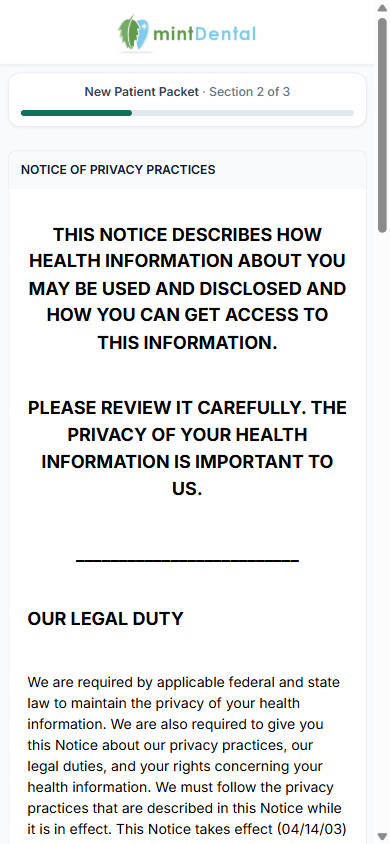
Section titled “The progress strip and Save & Continue”On every form in a packet, a strip appears under the practice logo showing the packet name and the section count, with a progress bar underneath — for example New Patient Packet · Section 1 of 3.
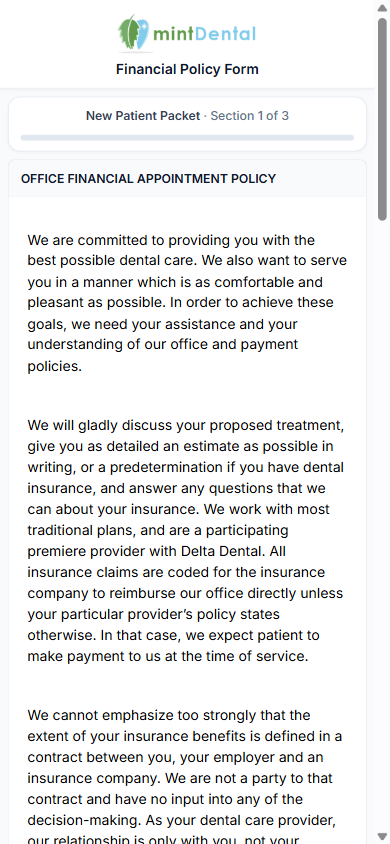
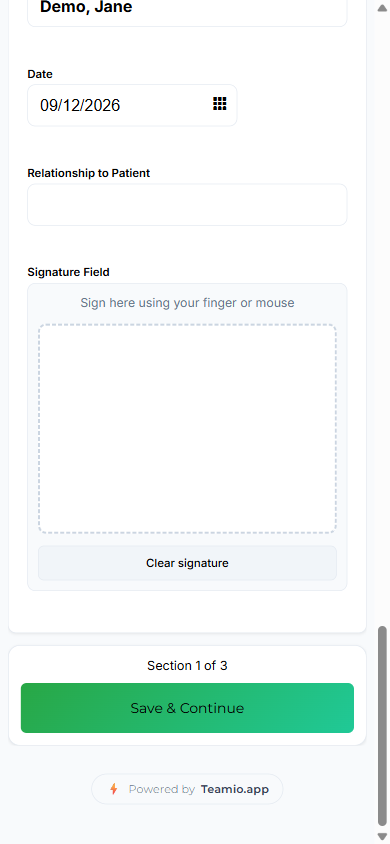
On every section except the last, the button at the bottom reads Save & Continue instead of the form’s own Submit Button Text — the same caption (“Section 1 of 3”) repeats just above it. The moment the patient selects it, that section is saved and the office receives it right away; the patient never has to finish the whole packet before anything reaches you.
The last section
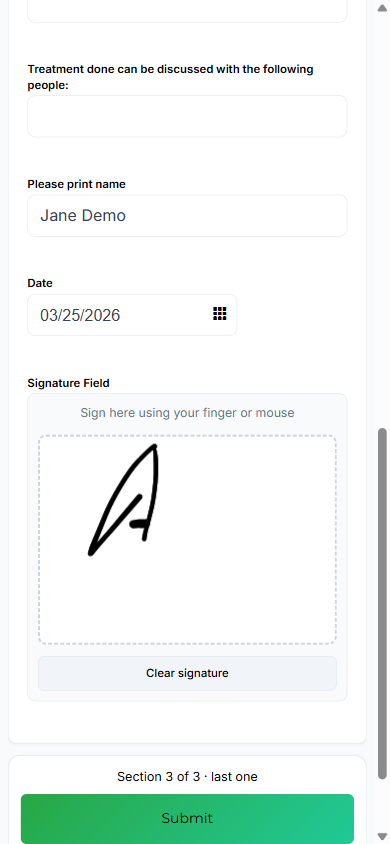
Section titled “The last section”On the last form in the packet, the caption adds · last one, and the button goes back to being the form’s own submit text — normally Submit. The Submitting Your Form overlay and the Thank You page that follow are the same ones patients see for any form.
Picking up where they left off
Section titled “Picking up where they left off”If a patient closes the packet partway through and later taps the same link again, Teamio skips every section they already submitted and lands them on the next unfinished one — with the true position, so someone who finished sections 1 and 2 of a 5-form packet sees Section 3 of 5, not “Section 1.”
This only works for a link tied to a specific patient — one sent from their profile, or a template link addressed to them. A generic link or QR code that isn’t tied to a patient always restarts at section 1, because there’s no patient to check for finished sections against.
A section counts as “already done” if it was submitted or updated within the last 30 days. A submission older than that no longer counts, and the patient will be asked to fill that section in again.
When everything is already done
Section titled “When everything is already done”If a patient reopens a packet link after every section is already submitted, they don’t see any form at all — just a confirmation page: You’ve already completed this packet, the packet’s name, Every section has been submitted. There’s nothing more to fill out., and a note to contact the office for changes, with your practice’s name and phone number.
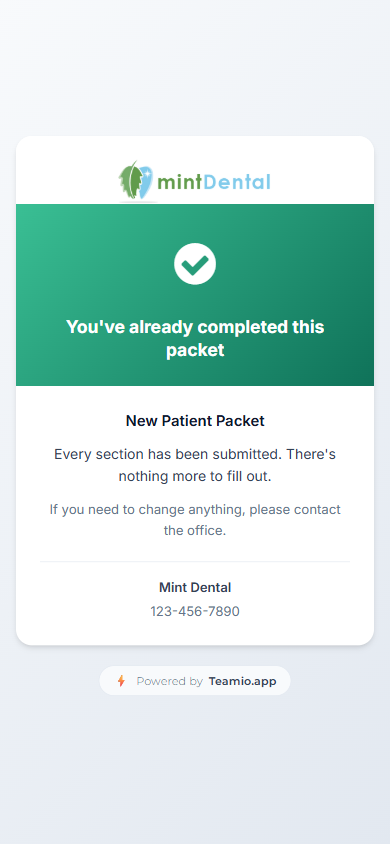
This is deliberate — re-showing a finished packet would let the patient resubmit sections they already signed, filing a duplicate PDF into Open Dental imaging for each one.
Tips and common questions
Section titled “Tips and common questions”- Identity verification happens once per visit, on the first section the patient sees that visit — not on every section. If they close the link and come back later, that counts as a new visit, so they’ll verify again on whatever section they land on, unless the packet’s first form has Skip patient verification on.
- You don’t need to rename a form’s Submit button anymore. Packet mode automatically swaps in “Save & Continue” on every section but the last, so there’s no need for the old workaround of relabeling a form’s Submit Button Text to “Next” to warn patients there’s more coming. If you do rename it, that wording will also show up when the same form is sent on its own — which can confuse a patient who isn’t in a packet.
- A generic link or QR code always starts at section 1, even for a patient who already finished part of the packet through their own personal link — because a generic link isn’t tied to any one patient.
- “A patient needs to fix something they already submitted.” Don’t resend the whole packet — send just that one form again from the patient’s profile. Sending one form on its own does not touch the packet or the sections the patient already finished.
- Spanish and Russian patients see the same strip and buttons in their language — for example Sección 2 de 8 and Guardar y continuar.