
Editing a form
Where: Sidebar > Forms > select the form row (or its pencil, Modify Form)
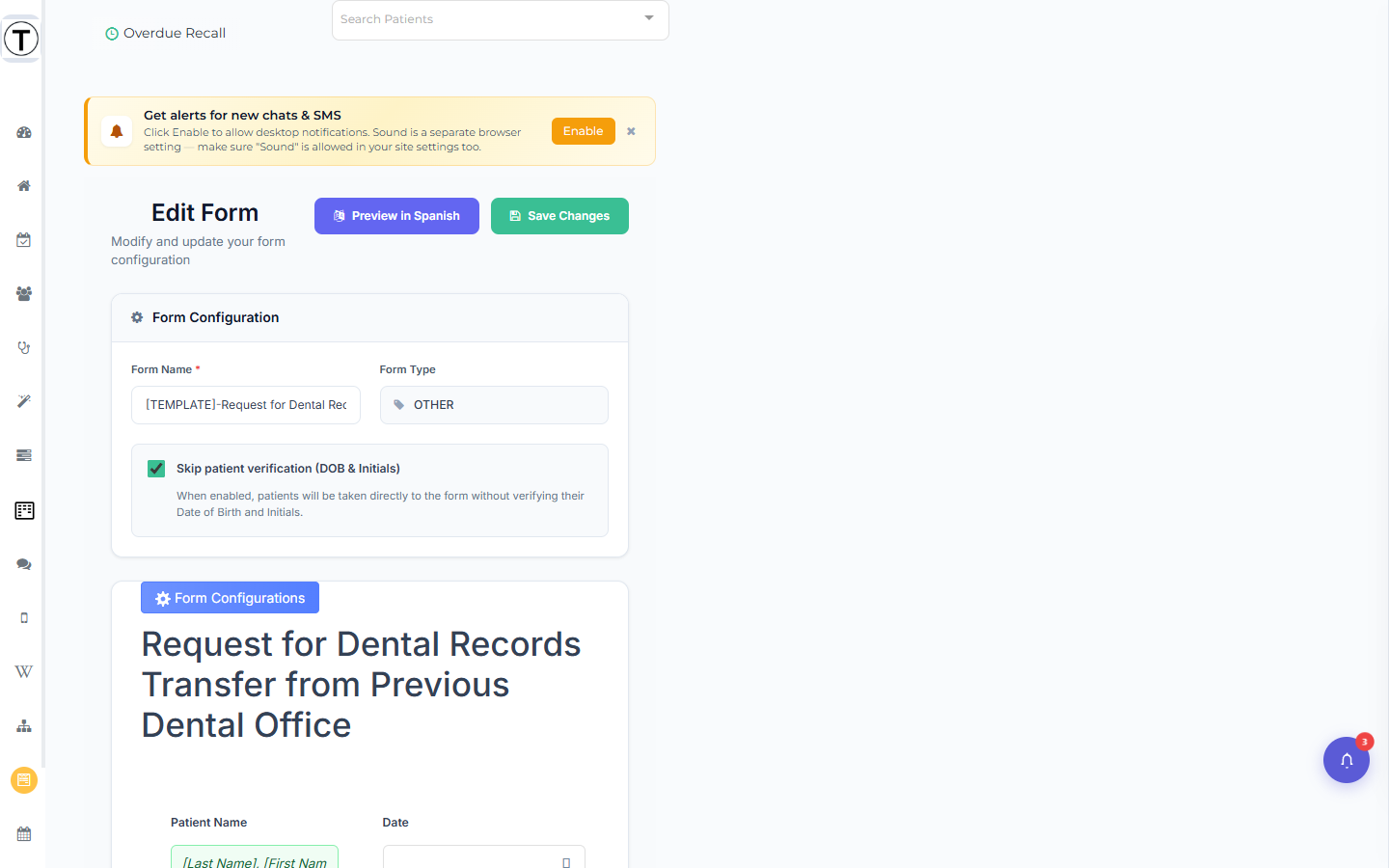
The page title is Edit Form with the subtitle Modify and update your form configuration.
What to know before editing
Section titled “What to know before editing”- The form type is locked. The edit page shows Form Type as a read-only display chip — NP_FORM vs MED_HX_UPDATE vs OTHER can’t change after creation. If you need a different type, create a new form.
- Form Name is required. Clearing it disables Save Changes and shows Form name is required.
- Past submissions keep their answers. Editing changes what future patients see; completed submissions stay as they were.
- Outstanding links pick up your edits. A patient who opens an already-sent link sees the current version of the form.
- Translations refresh on save. If the form has extra languages enabled, editing re-runs auto-translation for all of them on save — use the per-language Preview in
buttons (which only appear when extra languages are enabled) to check.
- Open the form from the Your Forms list (the row or its pencil).
- Make your changes in the builder — add, remove, reword, or reconfigure controls and sections.
- Optional. If extra languages are enabled, select Preview in Spanish / Preview in Russian in the header to spot-check translations in a new tab.
- Select Save Changes.
Deleting a form
Section titled “Deleting a form”Select the trash icon on the form’s row. The delete modal first runs a reference check — Checking if any templates or pages link to this form… — then:
- If wiki pages or SMS templates reference the form, it lists them and warns Deleting this form will cause broken links. You must tick I understand these templates will have broken links before Delete Anyway is enabled.
- Either way, the modal shows the Shared links will stop working warning — deleting a form kills every link you’ve already sent for it.
Protected forms can’t be deleted — their trash icon is disabled with the tooltip This form is protected and cannot be deleted.
For a fuller walkthrough of deletion safeguards, see Deleting forms safely.