
Creating a packet
A packet sends several forms as a single link — the patient finishes one and rolls straight into the next. Typical use: new-patient intake + medical history + consents in one sitting.
Where: Sidebar > Forms > Create a Packet
The Create a Packet feature is a modal opened from the Forms page, not a separate screen.
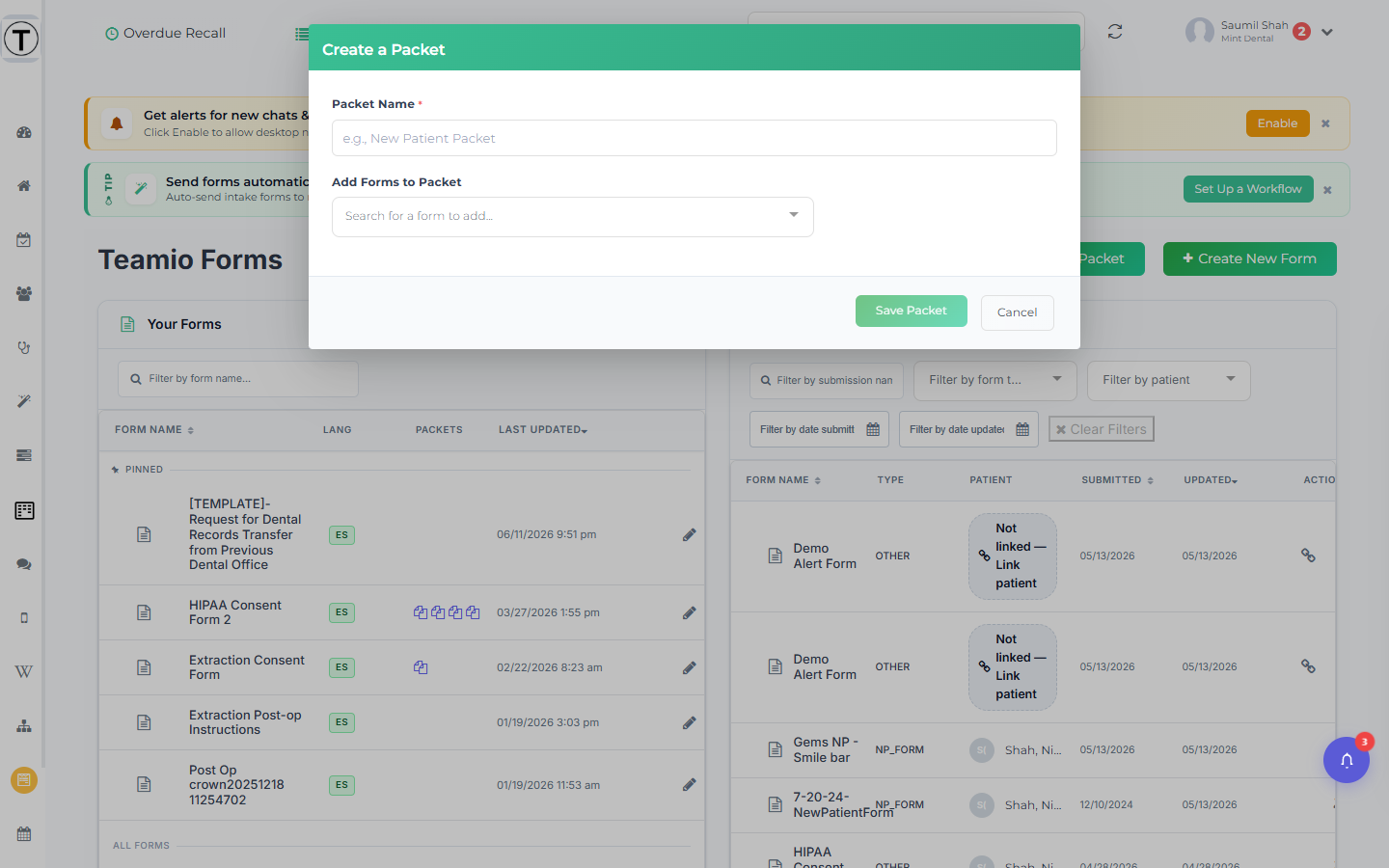
Create a packet
Section titled “Create a packet”- On the Forms page, select Create a Packet (top right).
- Enter a Packet Name (required) — for example, New Patient Packet.
- Use Add Forms to Packet (the Search for a form to add… multiselect) to add the forms you want.
- Order the forms in the Forms in Packet (N) numbered list using the Move up / Move down arrows. The X button removes a form. (There is no drag-and-drop.)
- Select Save Packet.
A packet must contain at least two forms — if it has fewer you’ll see A packet must contain at least 2 forms., and Save Packet stays disabled until the name is set and two or more forms are added.
The packet now appears in the Your Forms list with a PACKET badge, and each member form shows a packet icon in its Packets column.
Edit or delete a packet
Section titled “Edit or delete a packet”- Edit: select the packet row or its pencil (Modify Packet). The modal title becomes Edit Packet and the footer button reads Update Packet.
- Delete: select the trash icon (Delete Packet) and confirm. The individual forms will not be deleted — only the bundle.
- Pin/Unpin: packets pin to the Pinned section just like forms.
Share a packet
Section titled “Share a packet”Select the link icon (tooltip Get Short URL For Packet) — it opens the same Get Form Link modal as a single form.
What the patient experiences: identity verification happens once for the whole packet. Each section ends with a Save & Continue button that saves it and moves straight to the next form; the last section’s button is the form’s own Submit text, and that’s when the Thank You page appears. If the patient closes the link partway through, reopening it skips the sections they already finished and picks up where they left off. See What patients see in a packet.
- The forms list shows which packets each form belongs to, so you can tell at a glance what’s bundled where.
- Keep packets short — three or four forms is a comfortable single sitting on a phone.