
Replying to patients on WhatsApp
Once WhatsApp is on, replying works exactly like texting — with one extra choice: which channel this reply goes out on.
The Reply via selector
Section titled “The Reply via selector”At the top of each conversation you’ll see Reply via with SMS and WhatsApp buttons. Teamio pre-selects whichever channel the patient last used — a patient who messaged you on WhatsApp gets your reply on WhatsApp, a patient who texted gets a text. You can switch before sending, per message.
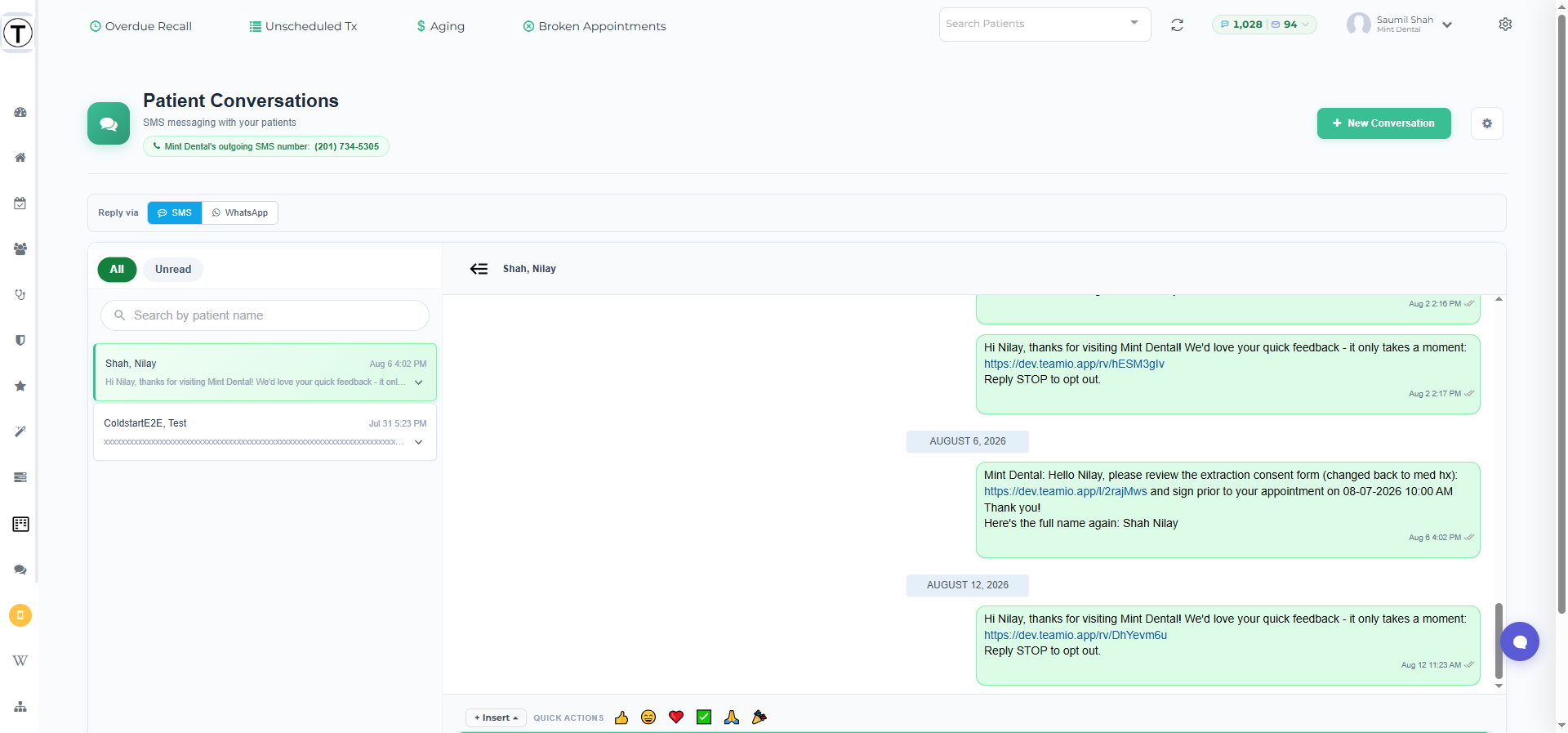
Everything else is unchanged: the whole team sees the same threads, and a patient’s WhatsApp messages and texts sit together in one conversation history.
The one WhatsApp timing rule
Section titled “The one WhatsApp timing rule”WhatsApp allows free-typed replies for 24 hours after the patient’s last WhatsApp message — that’s WhatsApp’s rule for every business, not a Teamio limit. Inside that day, reply exactly as you like.
If more than 24 hours have passed, Teamio steers you back to SMS for that message — texting is always available, so the patient still hears from you right away. When they next message you on WhatsApp, the 24-hour window opens again.