
Questions on a treatment plan
When a patient asks a question on a treatment plan you sent them, a Question on plan card appears in the Action Center, with the question right on it. A quick answer keeps the patient moving toward a yes.
What the card shows
Section titled “What the card shows”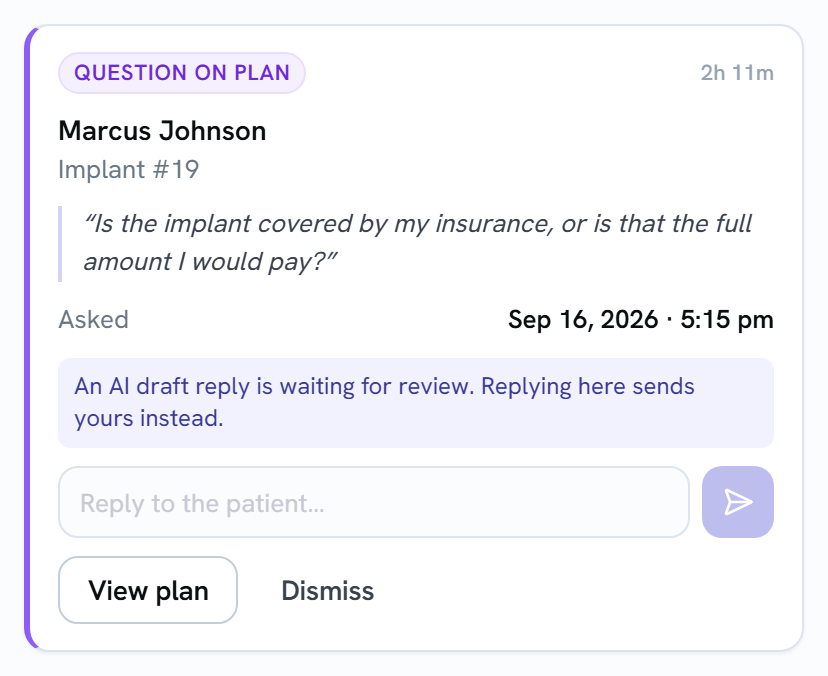
- The patient’s name and the plan’s name.
- The patient’s question, in quotes.
- Asked: when they asked it.
- A note when an AI draft reply is waiting for review. That only happens when your AI Reply Mode is set to Review.
Every question gets its own card, whatever your AI Reply Mode.
Replying from the card
Section titled “Replying from the card”- Type your answer in Reply to the patient….
- Select the send arrow.
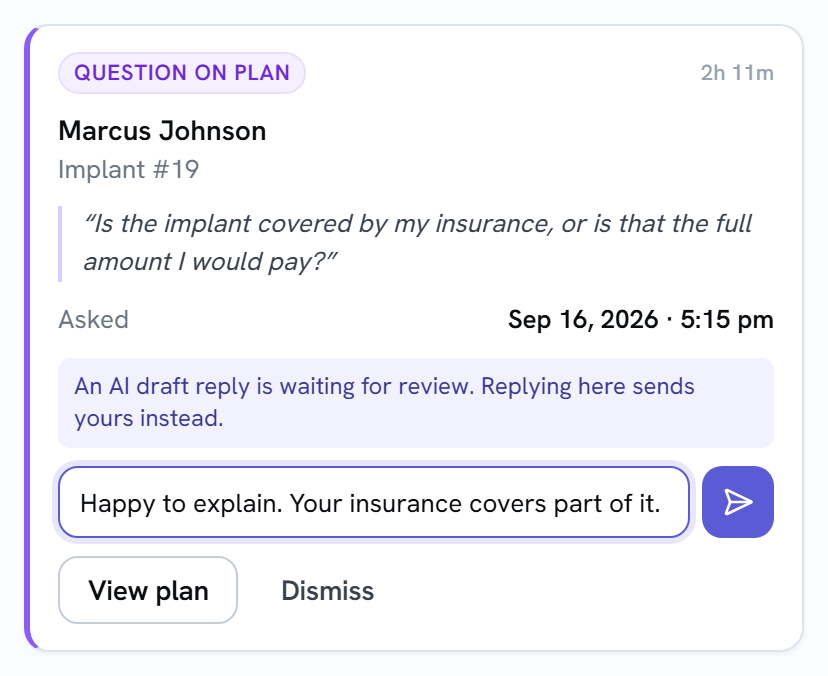
Your reply is posted to the plan’s comments as the office’s answer, just like replying in the builder, and the patient is notified.
- If an AI draft was waiting, your reply goes out instead of the draft, so the patient doesn’t get both.
- The card clears for everyone as soon as the reply is posted, whatever your office’s clearing setting. If the patient asked more than one question on the same plan, one reply clears all of those cards.
- If the reply can’t be posted, you’ll see a message and your text stays in the box. Try again, or select View plan.
Other ways the card clears for everyone
Section titled “Other ways the card clears for everyone”- Someone answers in the plan’s Comments panel in the builder.
- Someone approves and sends the AI draft.
Other buttons
Section titled “Other buttons”- View plan opens the plan in the builder, where the full comments thread is.
- Dismiss clears the card without replying. See Clearing alerts for whether that clears it for everyone or just for you.