
Form alerts
When a patient fills out and submits a form, a Form submitted card appears in the Action Center right away, so the front desk can review it before the patient arrives.
What the card shows
Section titled “What the card shows”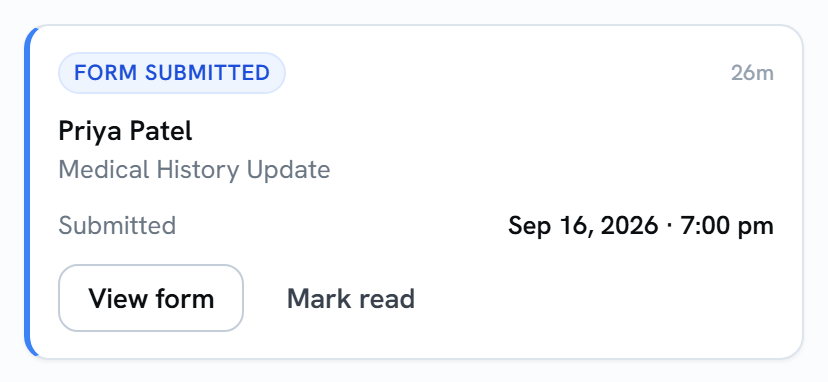
- The patient’s name.
- The form’s name.
- Submitted: when the patient sent it.
You get one card per form. Each time a patient submits a form, a new card appears.
What sends a form alert
Section titled “What sends a form alert”Any form a patient fills out and submits:
- from a link you sent by text or email,
- from a share link or QR code,
- on a tablet in your office.
What doesn’t
Section titled “What doesn’t”- Saving changes to a submission. Opening a submission in Teamio and editing it doesn’t create a new alert.
- Forms in a packet. A packet gets a single card that updates as the patient goes. See Packet alerts.
Acting on the card
Section titled “Acting on the card”- View form opens the submission so you can read it, just like opening it from Submissions.
- Mark read clears the card once you’ve looked at it. See Clearing alerts for whether that clears it for everyone or just for you.
A form alert doesn’t need a reply, so it stays until someone marks it read. Otherwise it’s removed after 30 days.