
Turn on WhatsApp for your practice
Turning on WhatsApp is a one-time setup with exactly one step you do yourself: a Facebook sign-in that creates your practice’s own WhatsApp Business account. WhatsApp’s rules require that sign-in to be done by the practice — it can’t be done for you — and everything after it is handled by Teamio.
Connect your practice
Section titled “Connect your practice”-
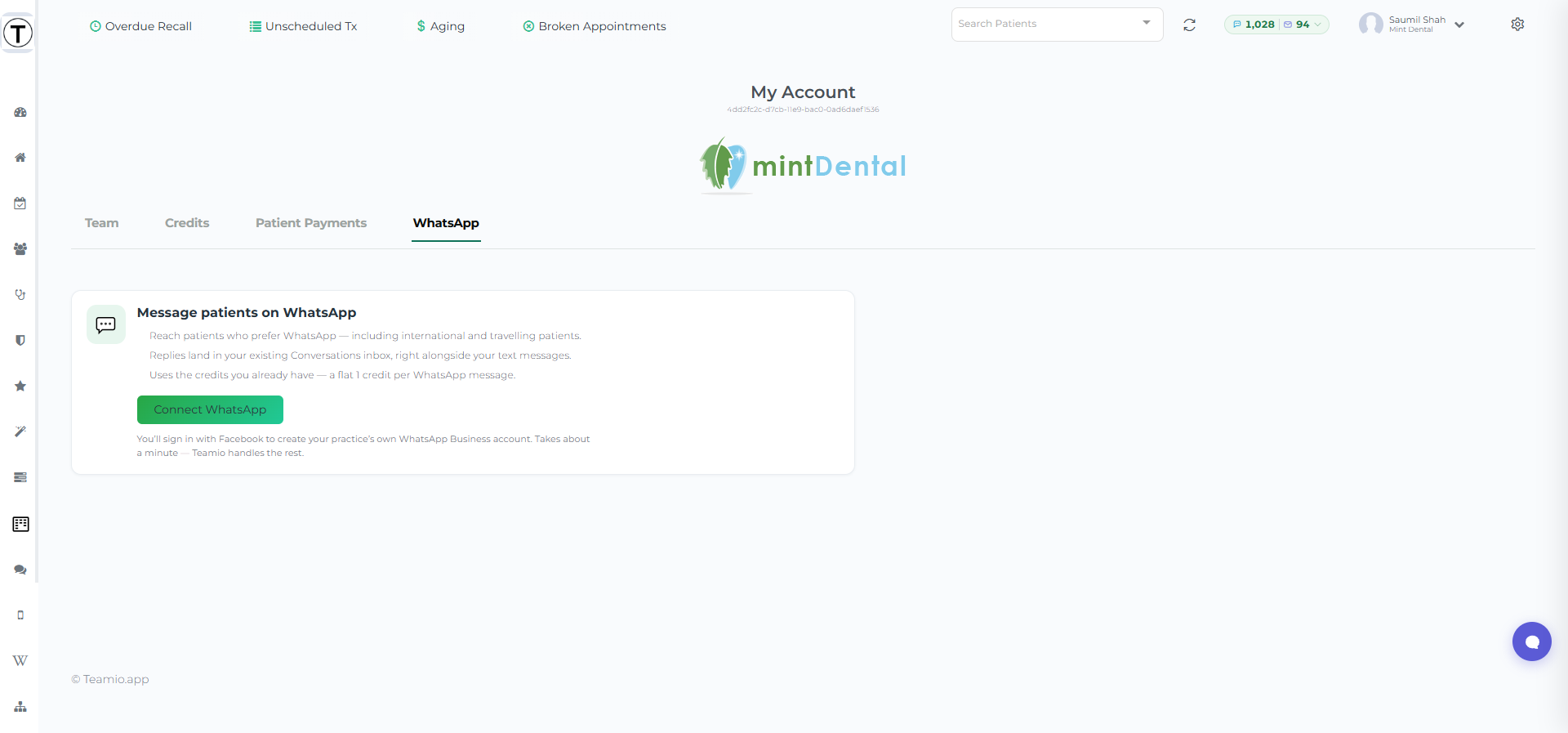
Go to My Account → WhatsApp.
-
Press Connect WhatsApp.
-
Sign in with Facebook in the window that opens and follow WhatsApp’s short prompts. This creates a WhatsApp Business account that your practice owns. It takes about a minute.
That’s your part done. The tab switches to a progress view while Teamio completes the technical setup — registering your number with WhatsApp and preparing your reminder template (WhatsApp reviews that template on their side, which can take a little while).
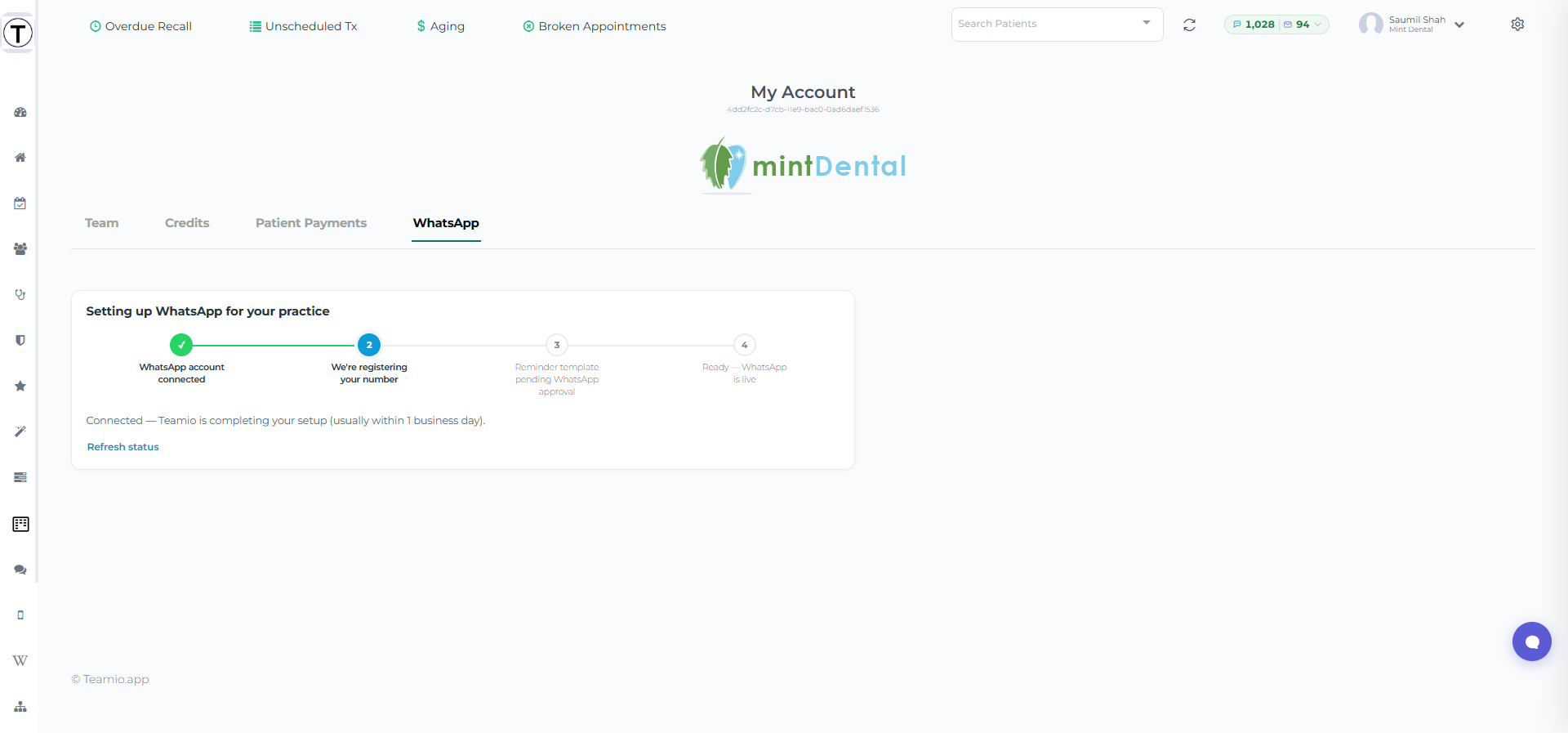
Most practices are live within one business day. You don’t need to watch the page — but there’s a Refresh status button if you want to check in.
When it’s live
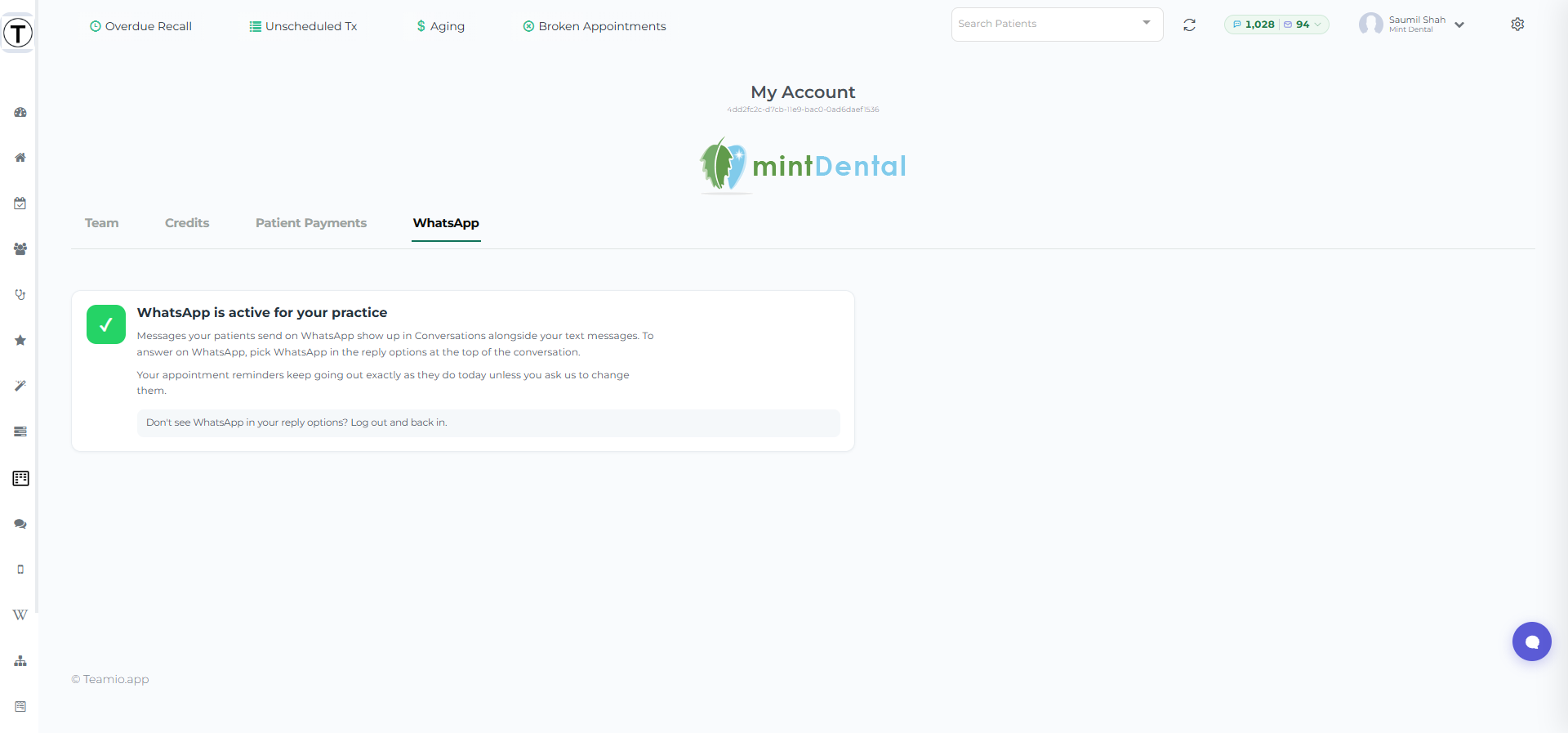
Section titled “When it’s live”The tab shows WhatsApp is active for your practice, and the Reply via SMS / WhatsApp selector appears in Patient Conversations.
Turning it off (and back on)
Section titled “Turning it off (and back on)”If WhatsApp is ever turned off for your practice, the tab says WhatsApp is turned off for your practice — your setup is saved and nothing is lost. Use Get in touch on that screen and we’ll re-enable it.